Systemd and Docker daemon configuration
This part is only necessary if you want the Docker daemon to listen on a TCP port. My preferred way of doing it is as follows:
- Override Docker Systemd Service
If we take a look into the Docker daemon systemd service definition, we will see something like this (not sure if this is distro specific):
# ... truncated ...
ExecStart=/usr/bin/dockerd -H fd:// --containerd=/run/containerd/containerd.sock
# ... truncated ...The -H option will conflict with what we want to do later, so let’s remove it. Run systemctl edit docker.service on your server, which will pop up a text editor
### Editing /etc/systemd/system/docker.service.d/override.conf
### Anything between here and the comment below will become the new contents of the file

[Service]
ExecStart= # this is important, we need to clear the original ExecStart definition
ExecStart=/usr/bin/dockerd --containerd=/run/containerd/containerd.sock- Add the hosts in
/etc/docker/daemon.json
Now we need to set the hosts for the Docker daemon to listen to:
{
    "hosts": ["tcp://127.0.0.1:2375", "unix:///var/run/docker.sock"]
}Note that it is very important that you do NOT listen on a public interface (eth0 or something similar), which is reachable from the internet. That allows anyone to talk to your Docker daemon and can spawn arbitrary containers (and consequently, arbitrary code)
- Restart Docker Service
After applying both configurations, run:
systemctl daemon-reload # to make systemd aware of the new configuration file
systemctl restart docker.serviceUnix Socket Forwarding
SSH allows us to do awesome stuff, like port forwarding, and even UNIX socket forwarding via the -L option (and also the -N option). Some excerpts from the SSH man page:
-L [bind_address:]port:host:hostport
     -L [bind_address:]port:remote_socket
     -L local_socket:host:hostport
     -L local_socket:remote_socket
             Specifies that connections to the given TCP port or Unix socket on the local (client) host are to be forwarded to the given host and
             port, or Unix socket, on the remote side.  This works by allocating a socket to listen to either a TCP port on the local side, optionally bound to the specified bind_address, or to a Unix socket.  Whenever a connection is made to the local port or socket, the connection is forwarded over the secure channel, and a connection is made to either host port hostport, or the Unix remote_socket, from the remote machine.

             Port forwardings can also be specified in the configuration file.  Only the superuser can forward privileged ports.  IPv6 addresses can be specified by enclosing the address in square brackets.

             By default, the local port is bound in accordance with the GatewayPorts setting.  However, an explicit bind_address may be used to bind the connection to a specific address.  The bind_address of “localhost” indicates that the listening port be bound for local use only, while an empty address or ‘*’ indicates that the port should be available from all interfaces.

...

-N      Do not execute a remote command.  This is useful for just forwarding ports.  Refer to the description of SessionType in ssh_config(5) for details.
To forward a remote UNIX socket to your local machine:
ssh -o StreamLocalBindUnlink=yes \
  -N \ # causes the SSH client to "hang" and not execute the remote shell
  -L ./local-docker-socket.sock:/var/run/docker.sock \
$USER@$HOSTBy default, the SSH client will not delete the local UNIX socket. So the next time you run the command, it will display an error like this:

Hence, why I added the StreamLocalBindUnlink=yes option to the command, which will delete the local socket upon exiting.
To talk to the socket, pass the socket to Docker’s -H option:
docker -H unix://./local-docker-socket.sock <command>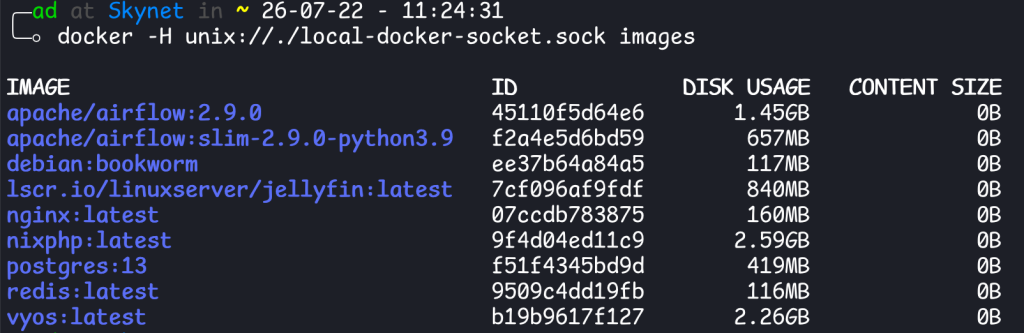
TCP Port Forwarding
This is similar to the previous method, but instead of forwarding a UNIX socket, we are forwarding a TCP socket:
ssh -o -N \
  -L 2424:localhost:2375 \
$USER@$HOSTWhat this command is saying:
- SSH will bind (or listen?) on your local port 2424
- Any packet that gets sent to port 2424 on your machine will be forwarded to
localhost:2375on your remote host
It is important that we specify localhost (or 127.0.0.1) because that is the interface/address that our remote Docker host is listening on.
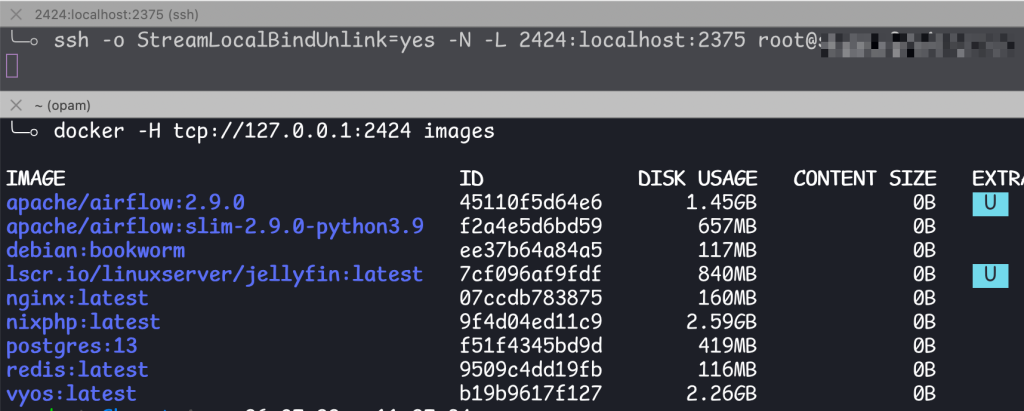
To forward both UNIX and TCP sockets, just add both -L options
ssh -o StreamLocalBindUnlink=yes -N \
    -L 2424:localhost:2375 \
    -L ./local-docker-socket.sock:/var/run/docker.sock \
    $USER@$HOST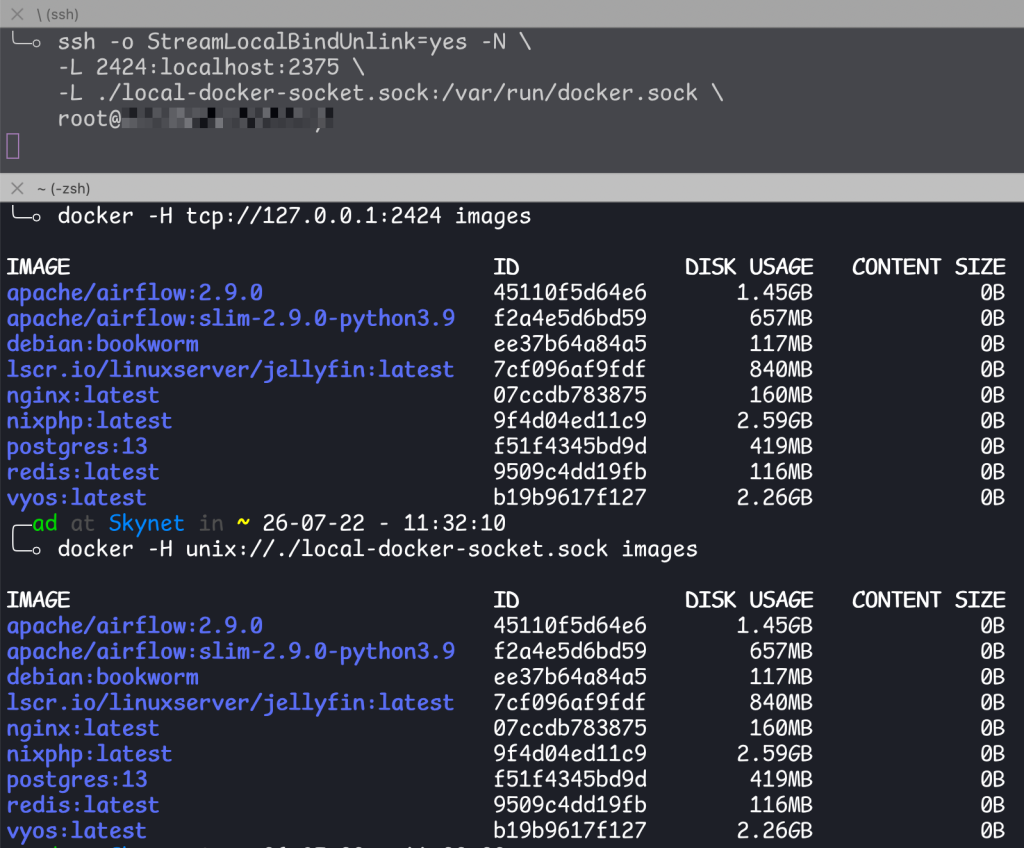
SSH
We might as well skip all of the ceremony and use the SSH protocol/scheme directly:
docker -H ssh://<user>@<host> <command>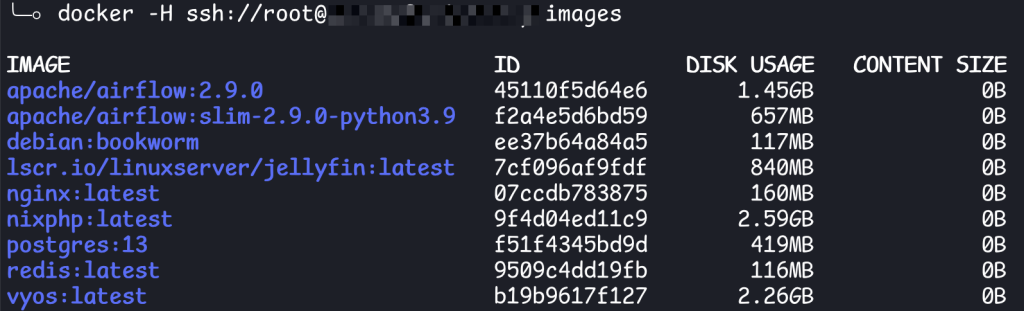
Creating a new Docker context
What if you don’t want to write -H every time running a Docker command? You need to create a new Docker context:
docker context create <context name> \
  --description "<description>" \
  --docker "host=ssh://$USER@$HOST"
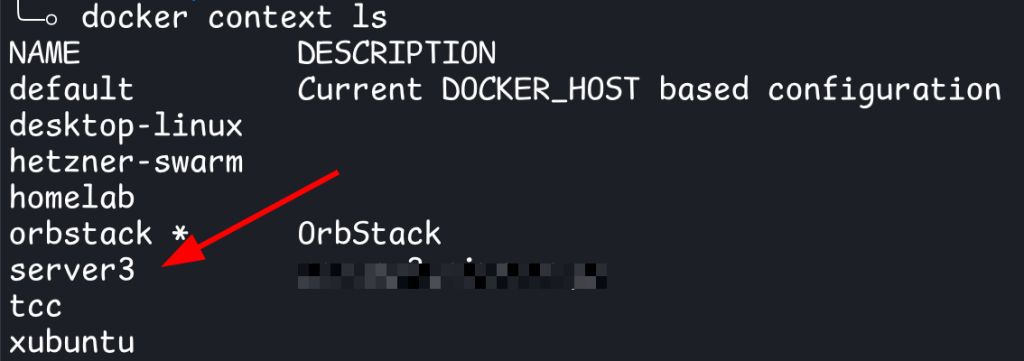
To use the context, pass the -c option:
docker -c <context name> <command>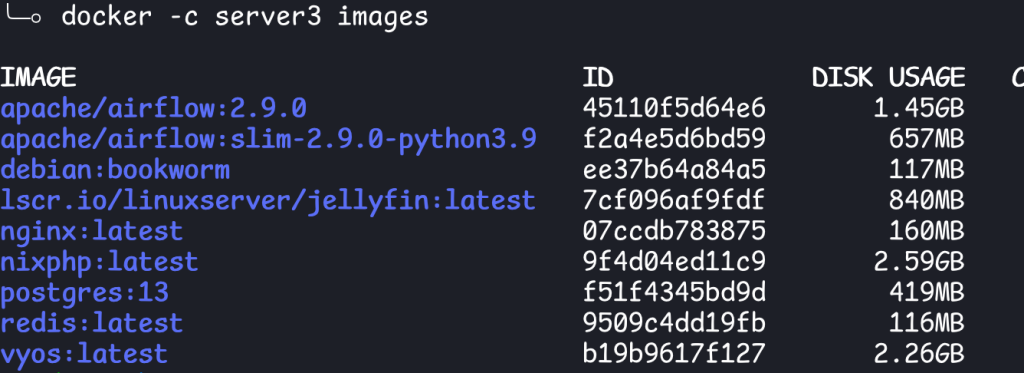
Or you can update your default context using docker context use <context>